|
TimeToPhoto - Add date stamps to Your Photos Automatically
Windows XP/2003/Vista/Windows 7/Windows 8/Windows 10/11
Interface languages:  English English
 German German
 French French
 Spanish Spanish
 Russian Russian
Our Customers say...
Back in the film days, many point-and-shoot cameras had an extremely useful feature most modern digital compacts are regrettably lacking. The feature was called Quartz or Time-Stamping depending on the manufacturer. The idea was simple and clear: time-stamp every photo with the exact date the photo was taken.
Back then, only a few expensive models were equipped with that useful feature. Today, all digital cameras, even the cheapest models, record the date and time each picture is taken, storing this information somewhere in the file. While you can access this information from your computer if you are persistent enough, there is no way to tell the date when and where the picture was taken after it's been printed.
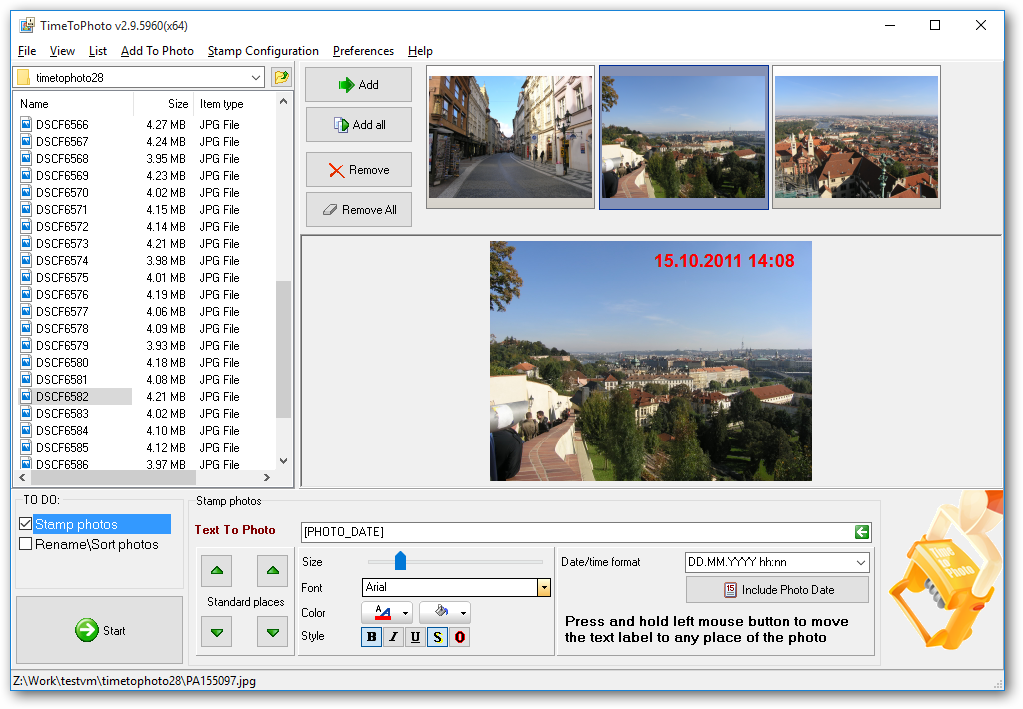
Fortunately, there is a perfect solution to this issue. TimeToPhoto can time-stamp your digital pictures completely automatically by putting a camera date stamp on your photos. Better yet, unlike stamped film, it leaves the non-stamped originals intact.
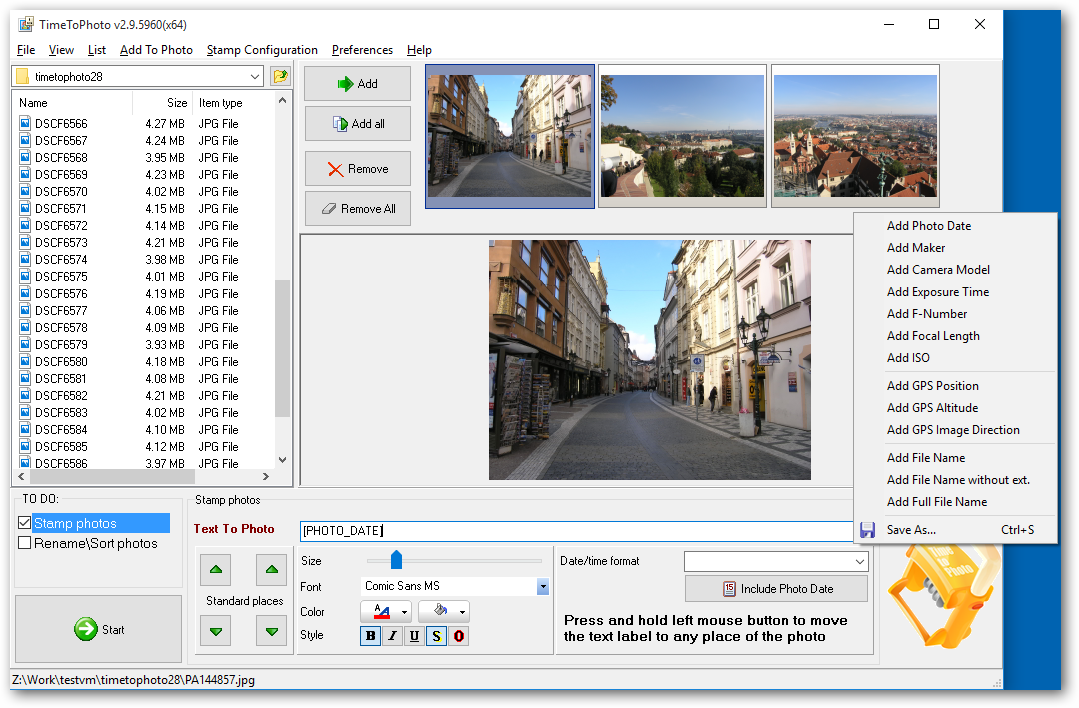
The fully automatic operation is possible as TimeToPhoto is able to access the hidden information about your digital pictures that is stored in EXIF format. The exact shooting date is stored there. You can time-stamp all photos at once, specifying your own font, position, and color of the date stamp. In addition, you can stamp pictures with extras such as GPS information or the name of the place pictured, the file name, or just about anything else such as the names and ages of your kids at the time!
Key features:
- Batch photo processing.
- Add any text label and timestamp to your photos.
- Stamp location, size, color, and font are fully customizable.
- Rename and sort photos automatically.
- EXIF date and time support.
- EXIF GPS tags support.
- All stamped photos are saved to a different folder so original photos
are not modified.
 TimeToPhoto User's Manual TimeToPhoto User's Manual
Screenshots...
Blog recent posts about TimeToPhoto
Download the latest version of TimeToPhoto 3.0 [10.18Mb]
 Download TimeToPhoto 3.0 (32-bit and 64-bit version) [10.18Mb] Download TimeToPhoto 3.0 (32-bit and 64-bit version) [10.18Mb]
You may use this trial version during a test period of 30 days. Following this test period, if you wish to continue to use TimeToPhoto, you must register.
How to order
TimeToPhoto FAQ
|



 The new version of